How to Spot a Scam Email Now That They Look Real
Article Summary: Scammers now use AI to write their phishing emails, so the spelling and grammar mistakes that used to give them away are gone. The UK’s National Cyber Security Centre and the FBI both warn that AI phishing is cleaner, more personal, and harder to spot. The best way to catch it now is to look at what an email asks you to do, because the writing no longer gives anything away.
For years, the advice for spotting a scam email was simple: look for bad spelling and clumsy grammar. A real bank or supplier writes properly, so a message full of mistakes was probably fake. It was easy to teach, and for a long time it worked.
It doesn’t anymore. Scammers now use AI to write their emails, and AI writes cleanly. The typos and awkward phrasing are gone. The messages landing in your team’s inbox read as well as anything from a real company. Worse, attackers can make them sound like someone you already know.
At Pacific Edge Technology, we help businesses across Richland, Kennewick, and Pasco train their teams to catch these scams. Here’s why AI phishing works so well, and what your team should look for instead.
Why the old advice stopped working
The spelling and grammar test worked because many scammers wrote in a language that wasn’t their own, and the mistakes showed. AI took that away.
The UK’s National Cyber Security Centre says AI can now create convincing phishing emails without the spelling and grammar mistakes that used to reveal them. The FBI agrees. It warns that criminals use AI to clean up the errors that once marked a message as fake. The one thing most people learned to look for no longer tells you much.
Why AI phishing emails are so convincing
- The writing is clean. A scam email reads like a normal business email. A machine wrote it in seconds, in whatever tone the attacker wanted.
- It’s personal. Attackers can feed public details about your company into an AI tool. They pull these from your website, your team’s LinkedIn profiles, or a press release. The result is a message tailored to you, with the right names, the right job titles, and a believable reason to get in touch.
- There’s more of it. AI makes each message faster to produce, so attackers send far more. The FBI’s 2025 Internet Crime Report tied AI to more than 22,000 complaints and over $893 million in reported losses.
What a modern scam email looks like
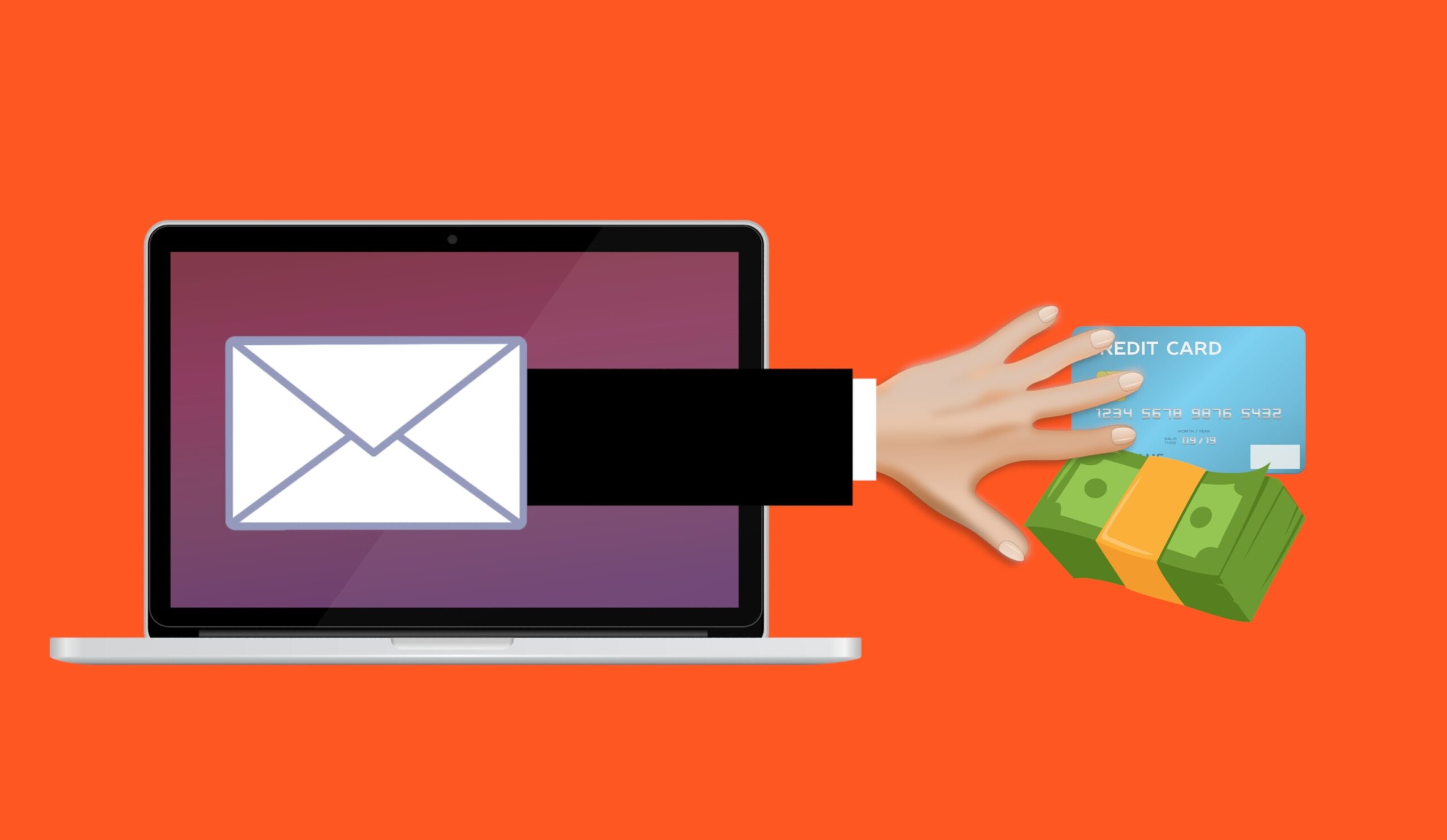
Today’s scam email isn’t the obvious “Dear customer, your account is suspended” message. Instead, someone on your finance team gets an email that looks like it’s from a supplier you actually work with. It mentions a real project and asks you to update the bank details for the next invoice. It reads exactly like a real supplier email. The only problem is that the supplier never sent it.
Your spam filter won’t catch them all
It’s tempting to assume your email security will handle this. It catches a lot, and you should keep it turned on. But a well-written, personalized email with a normal-sounding request doesn’t always look dangerous to a filter. That’s especially true when it carries no obvious bad link or attachment.
Both the NCSC and the FBI expect AI to push more of these messages through. That’s why your last line of defense is a person who knows what to check.
It’s not just email anymore
AI has done the same thing to phone calls and text messages. The FBI warns that criminals can clone a voice from a short audio clip. That’s enough to leave a voicemail that sounds like your boss or a family member asking for an urgent payment.
The defense is the same as with email. If a call or voicemail asks for money or login details, hang up. Then call the person back on a number you already have.
The warning signs that still work
If you can’t trust how an email is written, look at what it asks you to do. That’s where the real warning signs are, and AI hasn’t changed them. Watch for an email that:
- Asks for money, gift cards, or a payment to a new account.
- Asks for a login, a verification code, or personal details.
- Creates pressure with a deadline, a threat, or a “do this now.”
- Asks you to change the bank details for an invoice or a supplier.
- Includes a link or attachment you weren’t expecting.
- Shows a display name that looks right, but an email address that doesn’t match.
Every one of these signs is about the request, not the writing. So teach your team one simple rule. When a message involves money, logins, or how you pay someone, slow down before you act.
How to protect your team from AI phishing
- Verify money and login requests another way. If an email asks you to pay a new account or change a supplier’s bank details, call the person on a number you already have. Don’t reply to the email or use a phone number it provides.
- Stop telling staff to watch for bad spelling. Teach them to look at what the email asks for, and to slow down when it involves money or logins.
- Make one rule for payment changes. Confirm every change to bank details by phone, even when someone says it’s urgent.
- Turn on phishing-resistant MFA or passkeys. Then a stolen password is much harder to use, even if someone gets tricked.
- Make it easy to report suspicious emails. Nobody should feel silly for checking.
- Remind your team regularly that scam emails can look perfect now. A quick five-minute chat beats a poster nobody reads.
If you’re a Tri-Cities business, get in touch with Pacific Edge Technology. We can help train your team to spot AI phishing and set up phishing-resistant logins, so one fooled employee doesn’t turn into a break-in.
AI Phishing FAQs
Can you still spot a phishing email by bad spelling and grammar?
Not reliably. Attackers now use AI to write clean, correct emails, so a message with perfect spelling can still be a scam. Judge each email by what it asks you to do.
What warning signs still work?
Focus on the request itself. Watch for requests to send money, change bank details, share a login or code, or act urgently. Those signs don’t depend on how well the email reads.
Is AI phishing really more effective?
Yes. The NCSC and the FBI both warn that AI makes phishing more convincing and more personal. The FBI has tied AI to more than 22,000 fraud complaints and hundreds of millions of dollars in losses. Cleaner, tailored messages get opened and clicked more often.
Will my spam filter stop AI phishing?
It will catch a lot, and you should keep it on. But a well-written, personalized email with no obvious bad link can still look legitimate to a filter. Don’t rely on it alone. A trained employee is your backstop.
What should staff do if they aren’t sure about a message?
Slow down and check through a trusted channel, like calling a known number or asking the person directly. Then report it, even if it turns out to be real.
Sources and further reading
- NCSC: The near-term impact of AI on the cyber threat. The UK cyber agency explains how AI produces phishing emails without the usual mistakes.
- FBI IC3: Criminals Use Generative AI to Facilitate Financial Fraud. The FBI describes how criminals use AI-written text and cloned voices to remove the usual signs of fraud.
- FBI IC3: 2025 Internet Crime Report. The source for the AI complaint and loss figures.
This Article has been Republished with Permission from The Technology Press.