
Microsoft 365 Support for Tri-Cities Businesses
Outlook, Teams, SharePoint, OneDrive, and the accounts behind them, set up correctly, secured, and supported by a local team.
Get more out of the Microsoft 365 you already pay for
Most businesses use Microsoft 365 every day but only scratch the surface of what it can do, and many still have security settings left at their defaults. We manage your Microsoft 365 environment end to end: users, licenses, email, file sharing, and security, so it works the way your business does and stays protected.
Moving to Microsoft 365 from another email or file system? See our Microsoft 365 migration services.
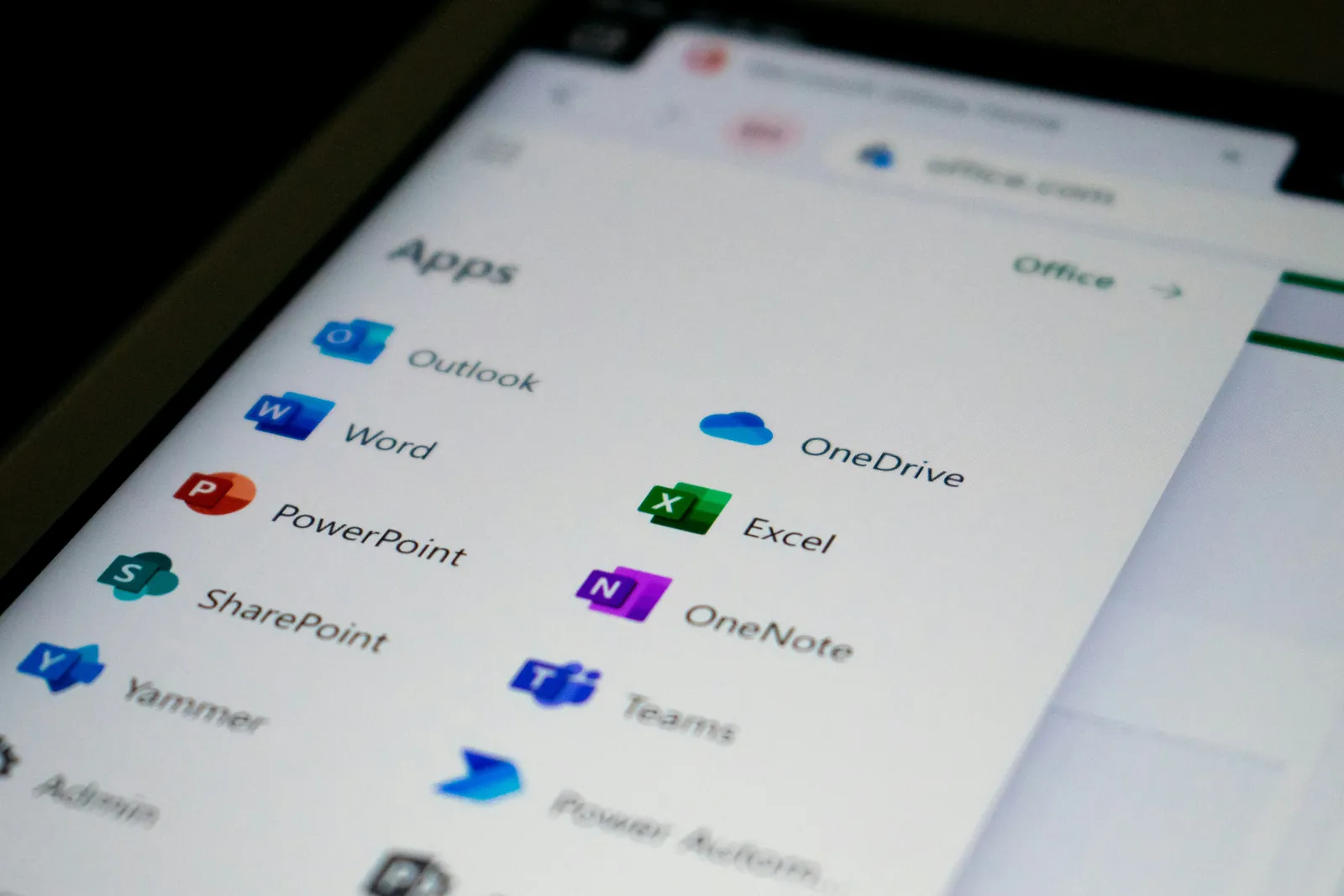
What our Microsoft 365 support covers
Day-to-day administration and support for the tools your team relies on most.
Users & licenses
Adding, changing, and removing users, and making sure you’re on the right licenses instead of paying for seats no one uses.
Email & Outlook
Mailboxes, shared mailboxes, calendars, distribution lists, and mail delivery problems.
Microsoft Teams
Teams, channels, meetings, chat, and external sharing set up in a way that keeps work organized.
SharePoint & OneDrive
File storage, permissions, and sync issues, organized so people can find what they need. About SharePoint & OneDrive
Security hardening
Multi-factor authentication, sign-in protections, and secure settings that close the gaps attackers look for.
Onboarding & offboarding
New employees set up and ready on day one, and departing staff removed promptly with their data preserved.
Microsoft 365 problems we fix all the time
Paying for licenses no one uses, or missing features you’re already paying for
Files scattered across personal OneDrives, email attachments, and old shared drives
Shared mailboxes and permissions nobody fully understands
Default security settings that leave accounts exposed
Former employees who still have access to company email or files
How getting started works
Review
We look at your users, licenses, security settings, and sharing, and show you what we found in plain English.
Clean up and secure
We fix licensing waste, tighten security, and organize permissions so everything is set up the right way.
Ongoing management
From then on, we handle changes, answer questions, and keep your environment secure as your team grows.
Microsoft 365 questions we hear often
Which Microsoft 365 plan do we need?
It depends on your team and how you work. Microsoft offers several business plans with different features and security tools. We’ll look at what you use and recommend the plan that fits, so you’re not overpaying or missing protections you need.
Is our data backed up in Microsoft 365?
Not the way most people assume. Microsoft keeps the service running, but deleted items are eventually purged, and its built-in retention isn’t a full backup. We recommend a separate backup for email and files. About backup & recovery.
Can you take over our existing Microsoft 365 setup?
Yes. We can step in and manage the environment you already have, cleaning up anything that wasn’t set up correctly along the way.
Can you move us to Microsoft 365 from another system?
Yes. We handle moves from other email and file platforms, planned so your team keeps working during the switch. About Microsoft 365 migrations.
Do you work with businesses outside the Tri-Cities?
Yes. We’re based in Richland and support businesses throughout the region, including Walla Walla, Yakima, Sunnyside, and Hermiston. See all the areas we serve.
Related services
Make Microsoft 365 work for your business
We’ll review your setup, find what’s costing you money or leaving you exposed, and show you how to fix it.